Docs · Chapter guide
What's in a chapter
Every chapter on GenBodha follows the same rhythm: read, listen, quiz, build. This page explains what to expect at each step and how to use it well.
Reading material
The chapter's main content. Concepts, examples, diagrams, and working code snippets — typically 15–30 minutes of reading.
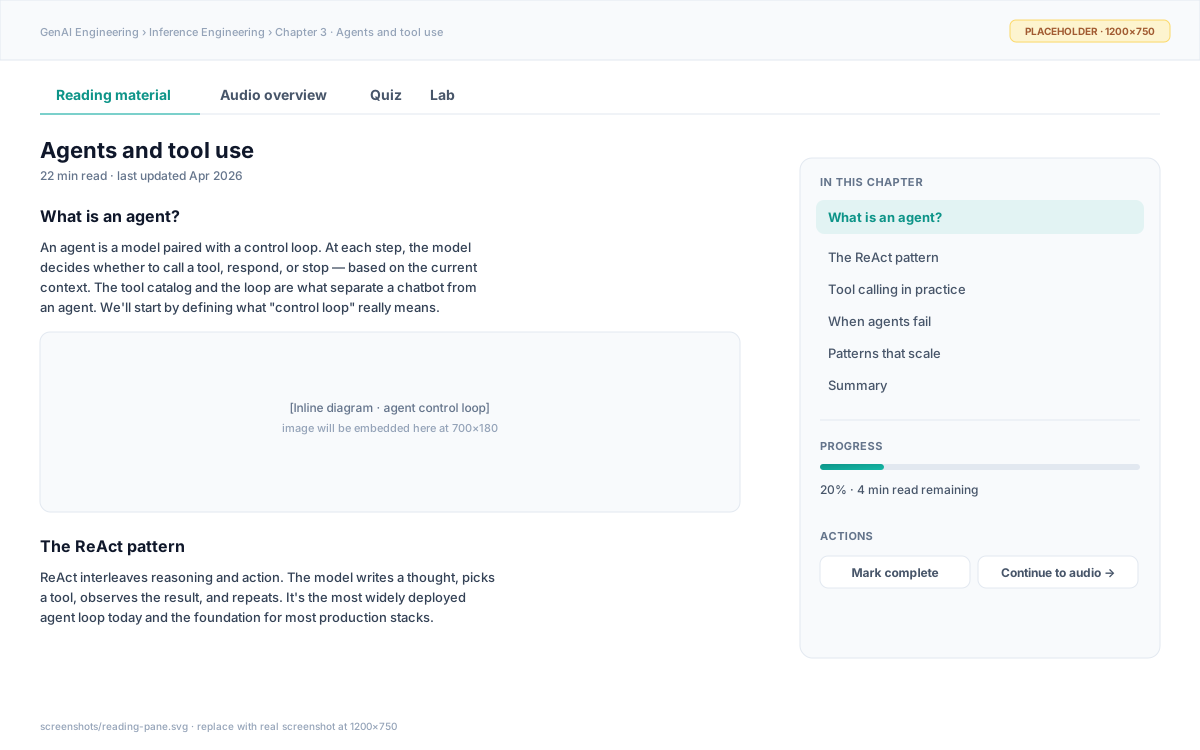
- Read top-to-bottom on the first pass — sections build on each other.
- Use the right-side TOC to jump back to a section before the quiz.
- “Mark complete” only after you’ve read it once — it gates progress tracking, not access.
Audio overview
A 5–7 minute host-and-expert conversation that summarizes the reading. It's the same material in a different shape — best for reinforcement on a walk or a commute.
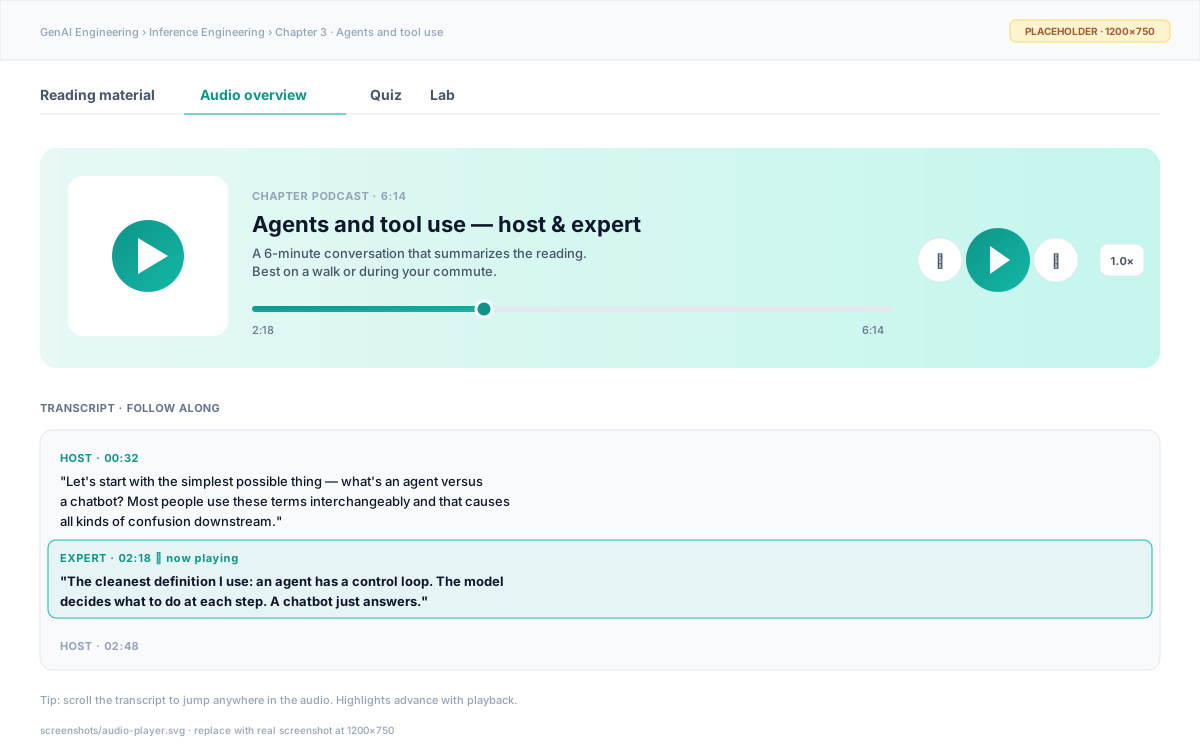
- Click any line in the transcript to jump there in the audio.
- 1.5× speed is fine — the dialogue is paced for it.
- Skip if you’re tight on time — the reading covers everything.
Quiz
40–60 multiple-choice questions per chapter. They check understanding, not memory — wrong answers point to specific reading sections. Unlimited retries; no points lost.
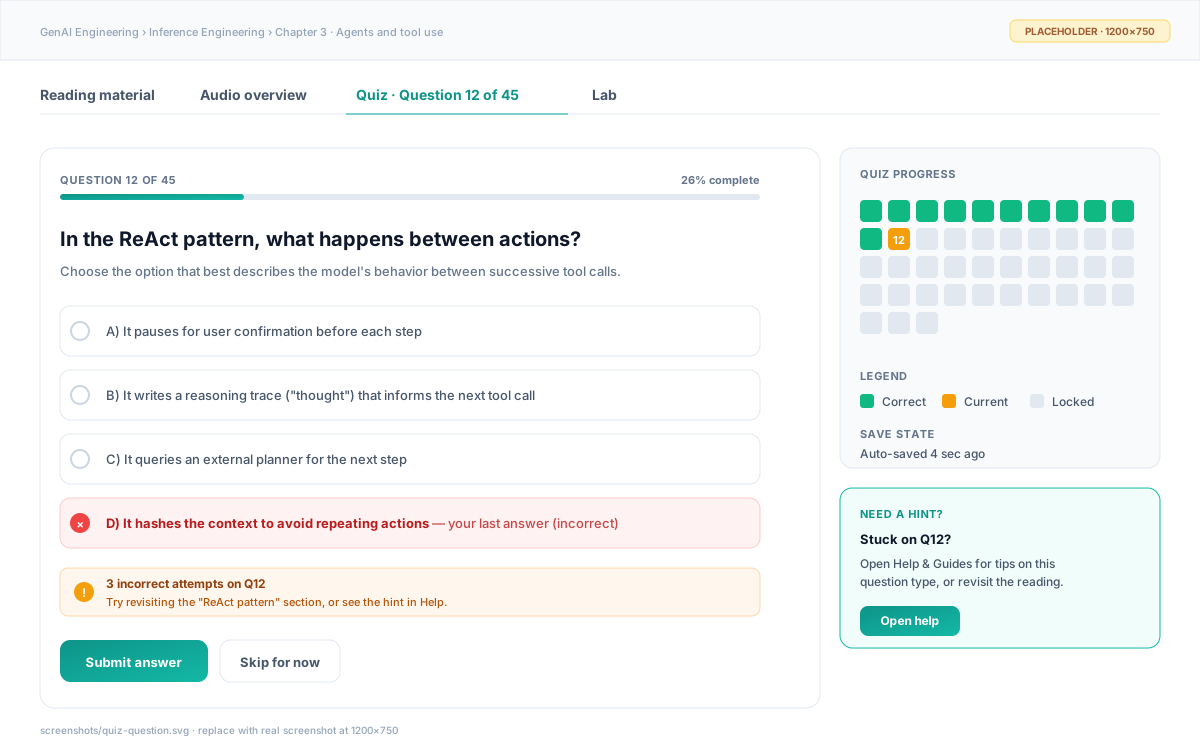
- Take the quiz after the reading — questions span all sections.
- If you’re stuck, click “Open help” in the hint banner — context-aware suggestions appear.
- Progress saves every 30s; you can leave and come back.
Lab
The hands-on part. A real VS Code workspace in your browser, running on GenBodha's cloud. Each lab has 1–3 TODOs in the code; your job is to implement them and pass the provided tests.
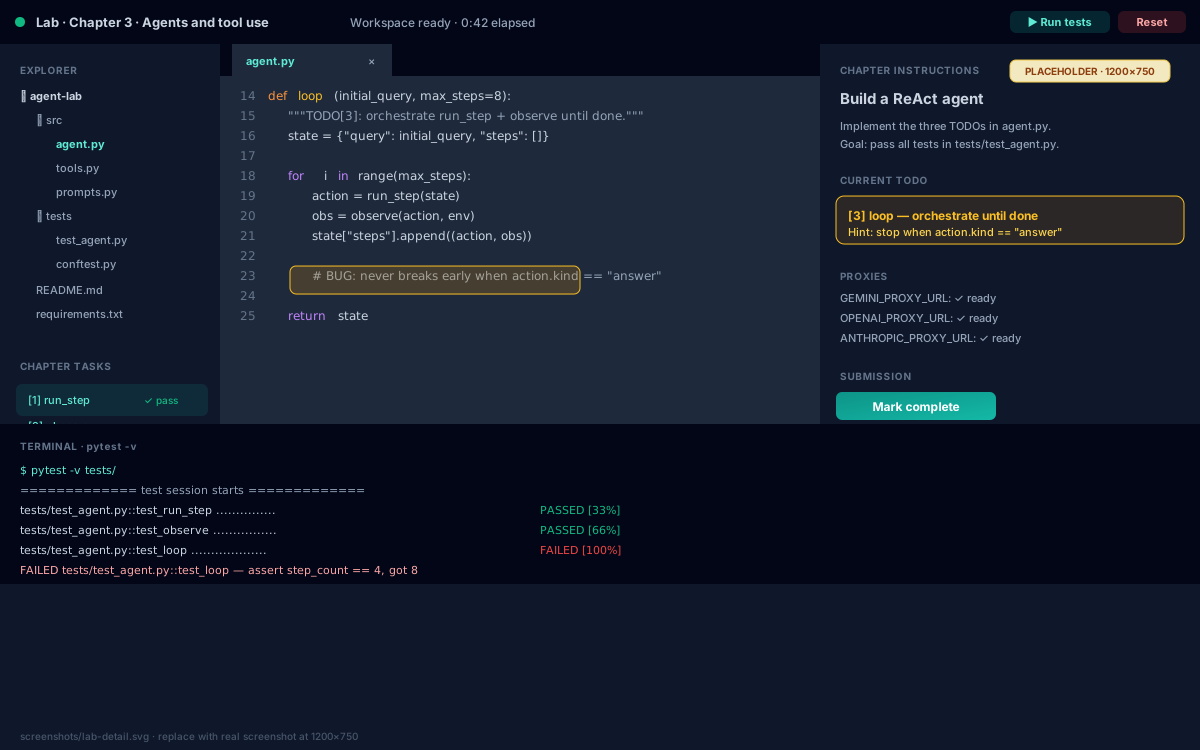
- Read all TODOs before writing code — they often depend on each other.
- Run tests early and often — the loop is fast (~2 sec per run).
- Workspace persists for 24 hours; come back to it without losing state.
- Stuck for 15+ min? Open the Hints panel — it expands progressively.
Chapter completion
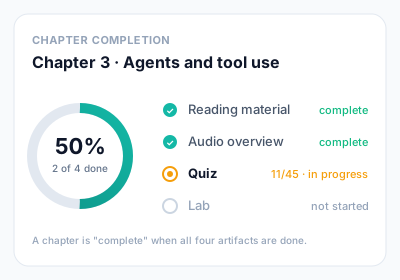
A chapter is "complete" when all four lessons are done. The completion ring in the sidebar tracks each one independently — you don't have to do them in order.
Was this page useful?